|
|
Home |
 |
Tutorials |
 |
Project |
|
Newsgroup |
|
Evaluation |
|
Contact |
|
|
Web Design Class Tutorials
Session |
Tutorial |
Description |
1 |
This is where I've been practicing web design |
|
2 |
This is the template I used for my site |
|
2 |
I created library items which are my navigation
bars |
|
2 |
I also created a footer for my page as a secondary
nav bar and made it a library item |
|
2 |
This shows the "layout" of the site
page by page |
|
3 |
I learned the different properties that can
be set in CSS (cascading style sheets) |
|
3 |
I learned how to "import" a document
from word as an html document, and then "clean it up"
to make it pretty |
|
3 |
We learned how to use fireworks to manipulate
digital pictures |
|
4 |
We used the magic wand and other tools to
create an image from a digital picture |
|
5 |
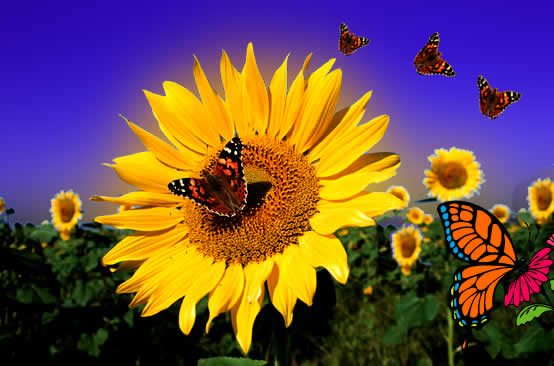 |
I learned several different tools (rubber
stamp, crop, clone) to manipulate an image that has gifs and jpegs
in it to create one final image |
6 |
I created logos in Fireworks and then created
"rollover" effects that brought up the different logos |
|
6 - 8 |
I learned how to insert form objects in a
"guestbook" page that will automatically email comments
to me when used |
|
6 |
I learned how to use Fireworks to create nav
buttons that have several different properties (roll overs, formatting,
shadowing etc) |
|
8 |
Pop Up window with HTML using "target
= blank" |
|
8 |
Pop Up Window with Java Script |
|
8 |
Added Layers, Show hidden layer, Dreamweaver
Timeline animation |