take advantage of
i3d's complete custom
design program, to quickly and painlessly design a unique
custom web site for your client. We know what it's like to have
several projects on the go. You need a professional web site completed
by yesterday morning. You've submitted your latest design to your
client, and it's still not quite what they were looking for.
We have a solution that can save you valuable time,
and money.
Save time! When
you submit your custom theme request to i3d, we take all
your information, apply it to the raw PhotoShop PSD file, then create
a screen shot for you. We'll include any images you supply, or add
new images you've selected from our catalog, change the color, update
the logo text, we'll even add your company logo if you have one.
You'll be able to see what your web page will look like before you've
even spent a penny on it. We'll send your screenshot within the
same business day. You can offer your feedback, and we'll make the
requested refinements if there are any, then send you an updated
screenshot image.
Think about the time you'll save, all you need to
do is to:
You'll be able to send the screenshot to your client
the same day if you need to. Once the screenshot has passed inspection,
give i3d the go ahead, and we'll update the template for you within
one to three business days.
Save money! With out even spending a penny,
or more than 15 minutes of your time, you'll have an image of a
complete web site template page to share with your client. If you
put a price tag on the amount of time it would take you to create
a new web site, communicate with your client, and refine your designs
until you client is satisfied......let's just say we've been there,
done that! If you find that you have more than one project on the
go at a time, this is probably the solution for you!
i3d's Complete Custom Design Program
is designed for you! As a web site developer, using a FrontPage
template is the quickest and easiest method of developing a web
site. Chances are your client chose your services because they did
not want a cookie cutter web site. Their needs dictate a professional,
custom built web site. This is exactly the service we offer, with
i3d's Complete Custom Design Program
Many of our customized web site templates are unrecognizable,
unless compared side by side with the original.
check out some
of our examples
You'll notice that many of the templates only resemble
the original "layout", and past that, completely original.
For a complete list of custom services,
please visit i3d.
The list of options is growing all the time.
Commerce 2 Blue Custom Services
Your Flash Theme and Template has several components
that add to the overall professionalism and usability of your web
site. Traditional themes and templates employ single HTML pages
with JavaScript to convey your web site content. With your
i3d Flash Theme and Template, you can break the bounds
of HTML, and add fun, function and animation to your web site. We
can think of no better way of doing this, than by customizing the
generic content of your Flash movies. Every text and graphic component
in your flash movie has the ability to be modified. Many of these
modifications can be done by yourself, using a demo version of
Swish 2.0. Download the worlds
most popular Flash file editor, and edit the movie files your self.
If you can use FrontPage, then you can use Swish 2.0 (in many cases,
it's easier to use FrontPage!)
Short on time,
request i3d to update your flash movies. We offer many custom services
for no additional charge.
Yes, for FREE.
We'll update the generic swish movie file, and
send it to you. All you need to do is to save the updated file to
the flash folder of your web site to over write the original file.
You web site will automatically be updated.
Your web site has many components that can be
updated. Click on the thumbnail images below to view a larger image
of your template. Each image has a description of what can be customized.
The first section describes our free custom services, and how you
can take advantage of them. The next section deals with
i3d's
complete custom design program.
There you can see in detail what can be modified in the flash movies
as well as your HTML template pages.
When you click on the thumbnail, a new window
will open displaying a full size image, complete with "balloon"
descriptions of the free services. You will also see several services
from
i3d's
complete custom design program. The
FREE SERVICE is highlighted
for your benefit, and in red text.
You may need to expand your browser window if the text in the picture
does not appear to be clear and legible.
Look for this box for a detailed description:
The full size images use a large amount of text.
These images were designed for a monitor
resolution of 1024x768 and higher. Monitors set to 800x600
may find the text to be fuzzy, or unreadable.
Please set your monitor resolution to 1024x768 while
viewing the screen shot images.
- minimize this window, and all other until you see your desktop
- right click on the desktop, and select properties from the context menu
- click on the settings tab, in the "Screen Resolution" settings box, move
the slider until it reads 1024x768, or higher
the examples you see are from the original template
Commerce2, the same components of this theme and template can be
modified> just specify Commerce2 Blue
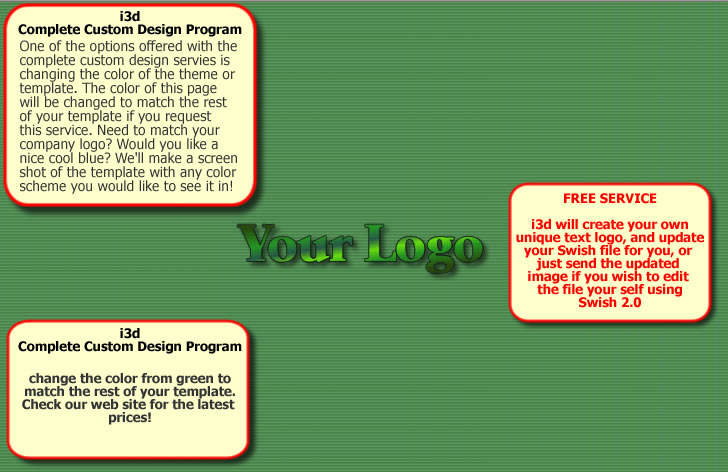
Loading Screen
|
 |
|
| |
Welcome Screen
|
 |
- change the color of the welcome text
|
| |
LOGO Screen
|
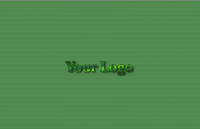 |
- replace the generic "Your LOGO" with a custom text logo
with your web site or company name
|
| |
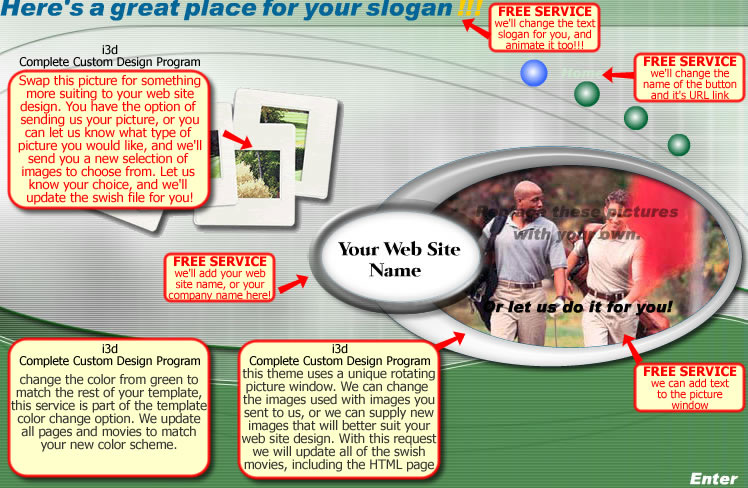
Intro Screen
|
 |
-
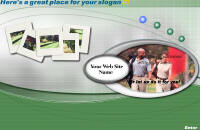
change the text for the slogan
-
change the menu button names
and links
-
add your company or web site
name
-
add your own text messages to
the picture window
|
| |
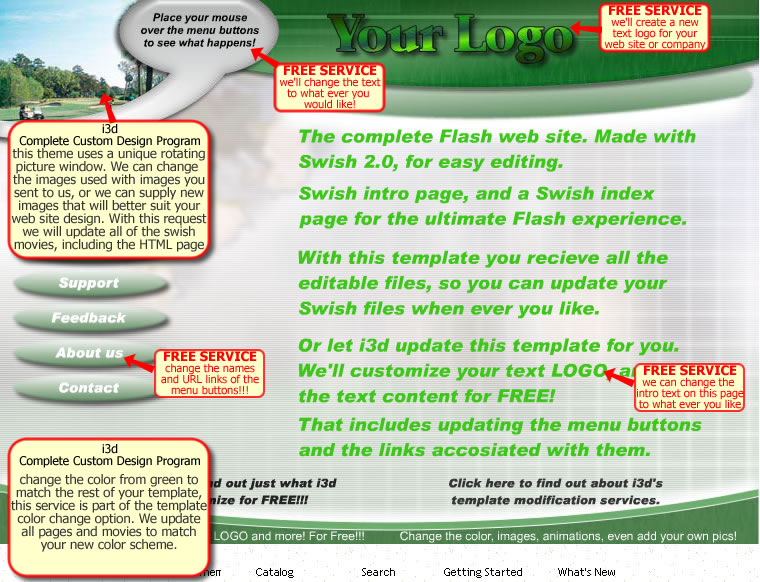
Index Screen
|
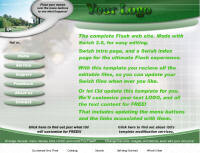 |
-
replace the generic "Your LOGO"
with a custom text logo with your web site or company name
-
update the text message inside
the balloon
-
update the intro text in the
center of the page
-
change the names of the menu
buttons and links
|
| |
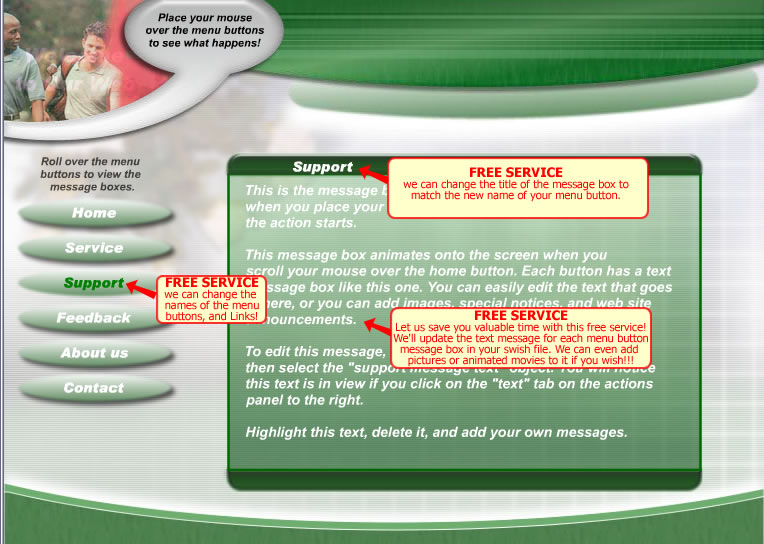
Menu Button Message Box Screen
|
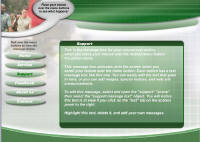 |
-
change the names of the menu
buttons and links
-
change the message box title
to match the new name of the menu button
-
update the text inside the menu
button message box, for all buttons and boxes!
|
| |
HTML Web Page Template
|
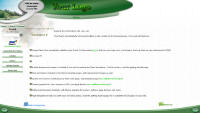 |
- replace the generic "Your LOGO" with a custom text logo
with your web site or company name
|
| |
|
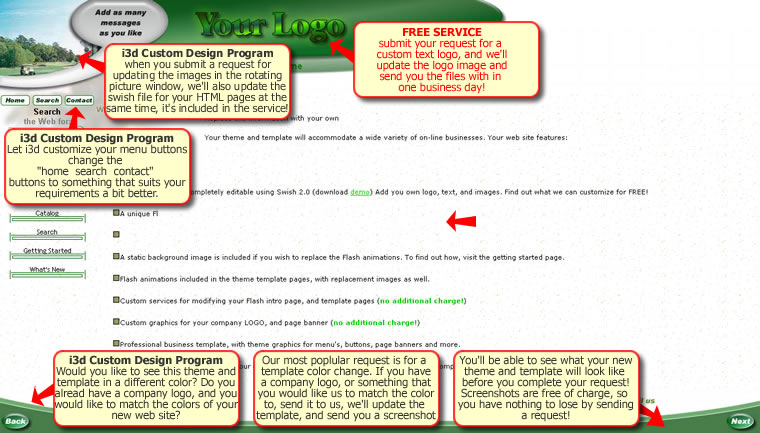
When you click on the thumbnail, a new window
will open displaying a full size image, complete with "balloon"
type descriptions of i3d's complete custom design program. You will
also see several services from our FREE
SERVICE, which is highlighted in
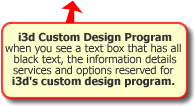
red text. The balloon text boxes with
Black text describe services and options for i3d's
complete custom design program. You may need to expand your
browser window if the text in the picture does not appear to be
clear and legible.
Pricing: Please visit
www.i3dthemes.com/themes/commerce2
for the complete list of custom options and service fees. You'll
find the price's to be an incredible value!!!
Look for this box for a detailed description:
The full size images use a large amount of text.
These images were designed for a monitor
resolution of 1024x768 and higher. Monitors set to 800x600
may find the text to be fuzzy, or unreadable.
Please set your monitor resolution to 1024x768 while
viewing the screen shot images.
- minimize this window, and all other until you see your desktop
- right click on the desktop, and select properties from the context menu
- click on the settings tab, in the "Screen Resolution" settings box, move
the slider until it reads 1024x768, or higher
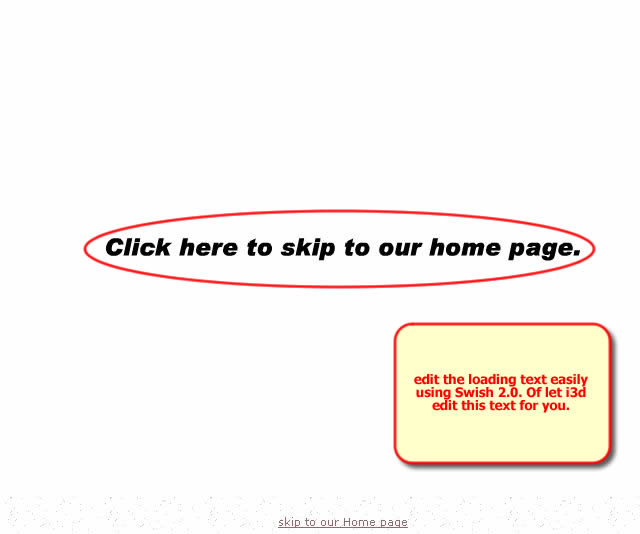
Loading Screen
|
|
|
- change the loading text (FREE)
|
| |
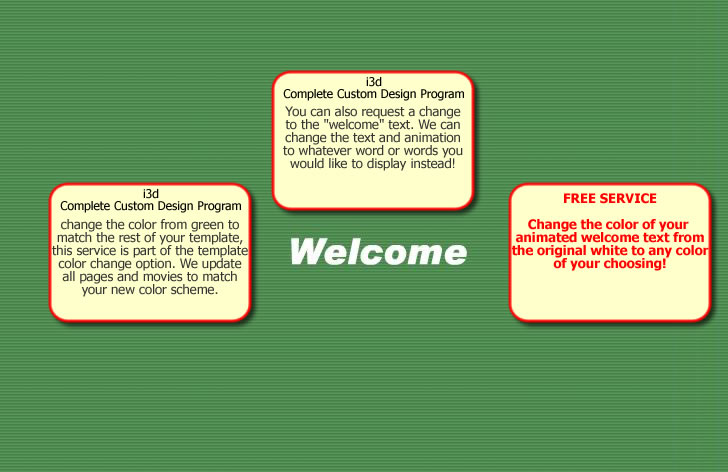
Welcome Screen
|
|
|
- change the color of the welcome text (FREE)
- change the welcome text to any word or words you like,
and update the animation
- change the color from "green" to the color of your choice.
For this option we can match your company logo too! We also
update all you swish files, and HTML pages!
|
| |
LOGO Screen
|
|
|
- replace the generic "Your LOGO" with a custom text logo
with your web site or company name (FREE)
- change the color of your logo
- change the background color from "green" to the color
of your choice.
|
| |
Intro Screen
|
|
|
- change the background color from "green" to the color
of your choice.
- change the image of the "slides" to an image of your
choosing
- change the images in rotating picture window ( you can
supply your own pictures, or let us know what type of pictures
would suit your web site, and we'll set up a catalog of
images for you to browse and choose.
|
| |
Index Screen
|
|
|
- change the images in rotating picture window ( you can
supply your own pictures, or let us know what type of pictures
would suit your web site or business. We'll set up a catalog
of images for you to browse. Select the pictures that you
would like for your web site, and we'll update the movie
for you.
- change the background color from "green" to the color
of your choice.
|
| |
Menu Message Box Screen
|
|
|
-
change the names of the menu
buttons and links (FREE)
-
change the message box title
to match the new name of the menu button (FREE)
-
update the text inside the menu
button message box, for all buttons and boxes!
(all services for updating the menu
message boxes are free of charge!!!)
|
| |
HTML Web Page Template
|
|
|
- change the background color from "green" to the color
of your choice. Need to match your company logo, or the
colors of your organization?
WE CAN DO IT!!!
- change the images in rotating picture window ( you can
supply your own pictures, or let us know what type of pictures
would suit your web site or business. We'll set up a catalog
of images for you to browse. Select the pictures that you
would like for your web site, and we'll update the movie
for you.
- customize the "home - search - contact" image buttons
|
| |
|
Pricing: Please visit
Commerce2 Custom Designs for the complete list of services fees.
You'll find the price's to be an incredible value!!!
|